



New on SPMA · Part 3 of 8 · Free job search dashboardYour job search,
all in one place.
Save jobs, set alerts, build one resume and follow every application from sent to hired, in a free dashboard built for careers in sport.
By Alex Bennett · 4 min read
In short: The Sports Hired candidate dashboard is a free account for job seekers in sport. It brings your saved jobs, job alerts, applications, messages and your Sports Hired Resume into one place, and tracks each application from applied to offer.
Everything in your search, on one screen.
Applications, messages, saved jobs, alerts and your resume, all one click away.
Apply with one resumeBuild your Sports Hired Resume once and use it for every application.
Track every applicationSee when you’re sent, reviewed, interviewing or hired.
Save jobs and set alertsGet new jobs by role, city or organization the day they’re posted.
Hear back from employersMessages from hiring teams arrive in your inbox.
Previews use example data.
Build it once. Use it everywhere.


Lead with sportPut the teams, events and organizations you have worked with up front.
Show resultsNumbers beat adjectives: attendance, followers, revenue, wins.
List your skillsTools, languages and certifications employers search for.
Keep it currentUpdate it after every season, internship or project.
Apply in minutes, right from the list.
See the bolt? Apply in minutes.
Jobs that use the SPMA application show a gold-bolt Easy Apply button. Click it and apply right there, without leaving the job list or filling in another website’s forms.
- Choose your resume. Send your Sports Hired Resume, an uploaded PDF or DOCX, or both.
- Add your message. Write a short note and answer any questions the employer asked.
- Review, then send. You see exactly what the employer receives before anything is submitted.
Hiring? Turn on Easy Apply when you post a job and applications arrive complete in your hiring pipeline. See hiring solutions

Sport Management Hub
Digital Content & Social Media Intern
Never miss the next opening.
Your dashboard keeps working when you are not looking.
A shortlist that waits for you.
Save roles from any job list and compare them when you are ready.
Open saved jobs Job alertsNew matches, the day they post.
Set alerts by role, city or organization and let the board do the searching.
Create a job alert MessagesHear back in one inbox.
Replies from hiring teams arrive in your dashboard, tied to the job.
See your messagesOne hub. Eight stories.
A new feature every business day. Follow the series from the launch story to the last chapter.
 LaunchStart hereThe launch storyMeet the new SPMAThe full tour of everything that changed on the Hub.Read the launch story →
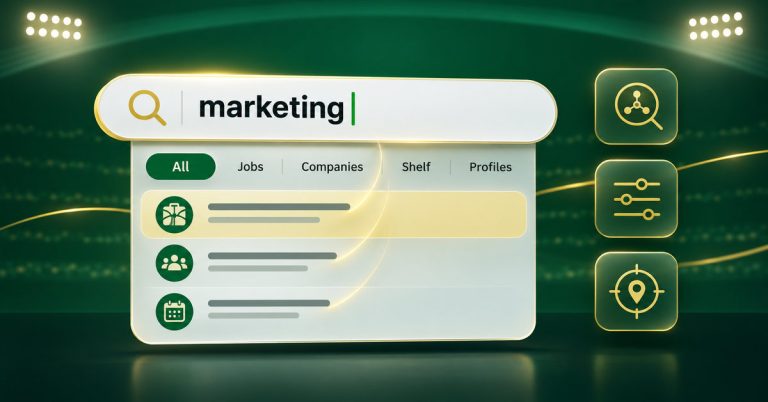 01LivePart 1 of 8 · SearchSmarter searchOne search bar for jobs, companies, the Shelf and profiles.Read article →
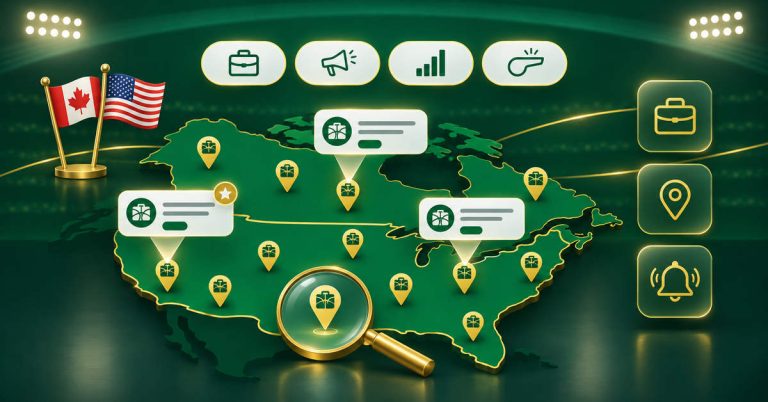 02LivePart 2 of 8 · JobsSports Hired job boardSports jobs across Canada and the USA, by location and category.Read article →
 03You’re readingPart 3 of 8 · CandidatesYour candidate dashboardSave jobs, set alerts and track every application.You are here
 04Coming Tue, Nov 17Part 4 of 8 · EmployersHiring in sportPost jobs, build your company profile and feature key roles.Publishing Tuesday, Nov 17
 05Coming Wed, Nov 18Part 5 of 8 · MediaThe ShelfBooks, movies, TV, music, podcasts and now YouTube.Publishing Wednesday, Nov 18
 06Coming Thu, Nov 19Part 6 of 8 · CreatorsCreator StudioClaim, verify and update your work about sport.Publishing Thursday, Nov 19
 07Coming Fri, Nov 20Part 7 of 8 · LearnIndustry knowledgeInterviews, roles, trends and career advice.Publishing Friday, Nov 20
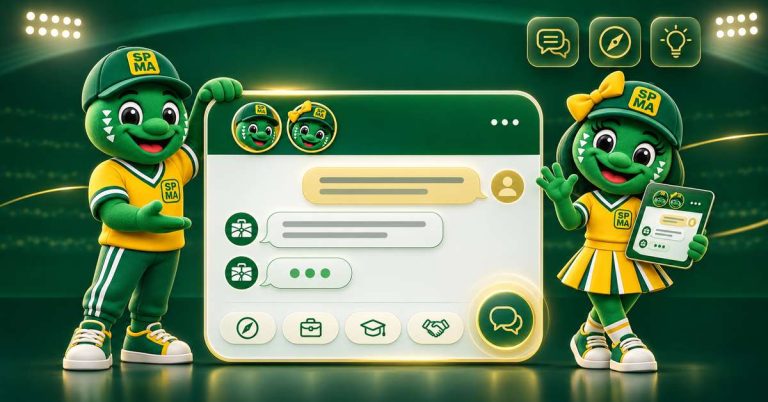 08Coming Mon, Nov 23Part 8 of 8 · AssistantMeet Speemy & SpeelaYour guides to the Hub, plus live human support.Publishing Monday, Nov 23
Frequently asked questions
Is the Sports Hired candidate dashboard free?
Yes. Creating a candidate account and using the dashboard is free.
How do I track my job applications?
Every application you send through Sports Hired appears in your dashboard with its status, from applied and reviewing to interview and offer.
What is the Sports Hired Resume?
It is a resume you build once on SPMA, section by section, and use for every application. You can also upload a PDF or DOCX and choose which to send.
How do job alerts work?
Save a search by role, city or organization as a job alert and new matching jobs are sent to you when they are posted.
One account.
Your whole search.
Create your free account in a minute and start saving jobs today.
Have experience with this topic?
Help make this SPMA resource better with a first-hand perspective, practical addition, or question. Use your SPMA account or contribute as a guest.